
How long do USB sticks and SD cards last?
SD cards and USB sticks store data as electric charge in flash memory, and that charge can only be rewritten a limited number of times before the cell wears out. The SD Association suggests 10 years or more of normal use, but a card that is written constantly wears sooner, and files on an unplugged card fade slowly. Copies, not hope, are what keep a collection safe.
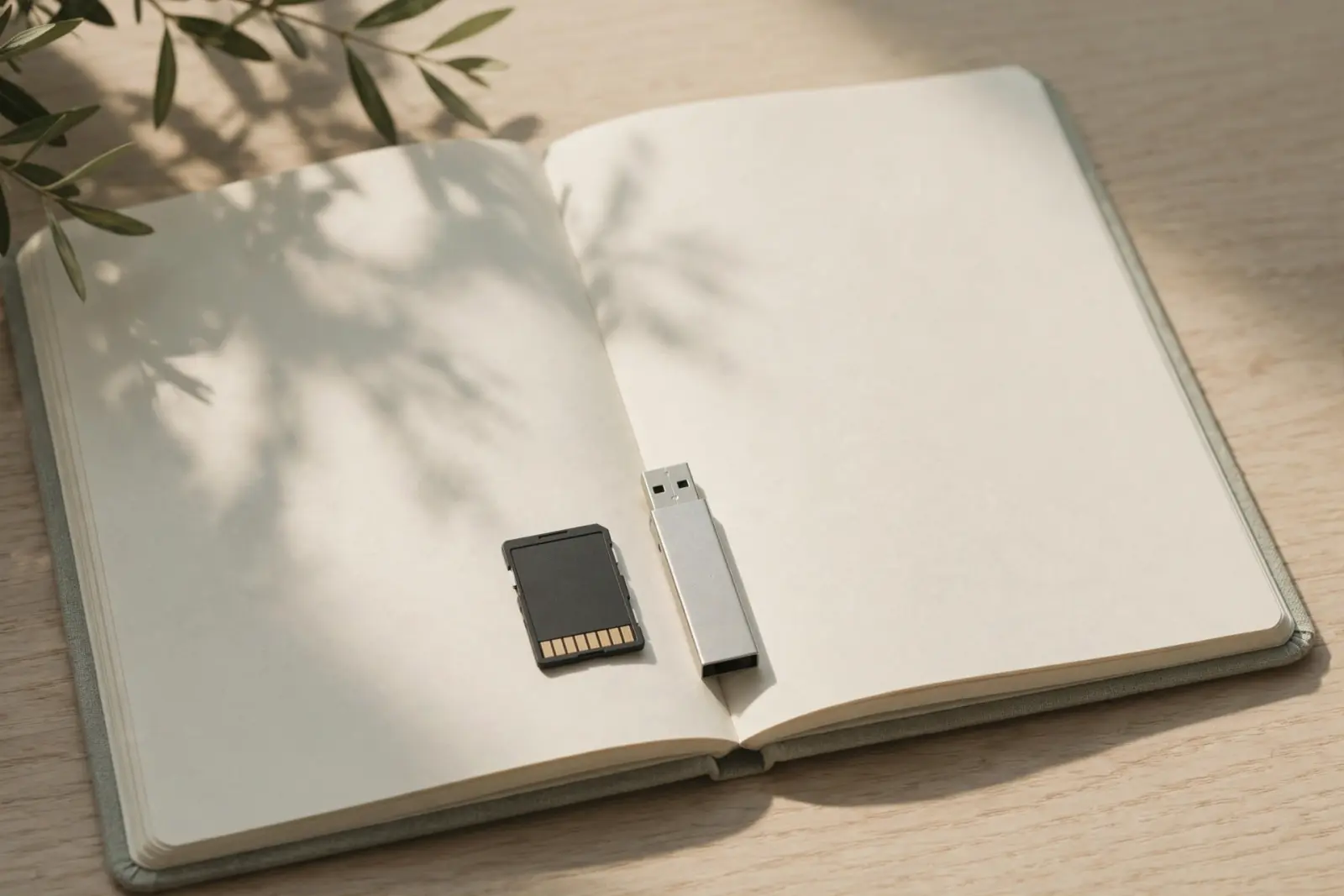
A USB stick or SD card feels like a permanent home for files, but it is closer to a consumable. These devices store data as electric charge in flash memory, each part of the chip can only be rewritten a limited number of times, and the charge fades slowly once the card is unplugged. For ordinary use this rarely causes trouble: the SD Association suggests a card lasts 10 years or more in normal usage. What shortens a card's life is constant writing, and what endangers your files is trusting one card with the only copy.[1][2]
What actually wears out: write cycles
Flash memory holds each bit as a small packet of electric charge in a cell. Writing means forcing charge in; erasing means forcing it all out again, and each of those round trips stresses the cell. Every cell is therefore rated for a limited number of program/erase cycles before it stops holding charge reliably. Endurance is not one number for all flash: Wikipedia's flash memory article notes that endurance decreases as the number of bits stored in each cell rises, which is why a chip holding one bit per cell outlasts the denser multi-bit chips used to keep consumer cards cheap and capacious.[2]
The headline figures belong to specialist hardware. Wikipedia's article records a 2008 announcement by Micron and Sun Microsystems of a single-level cell chip rated for 1,000,000 program/erase cycles, the high end that comes with storing one bit per cell. Ordinary cards use cells holding several bits each, which trades endurance for capacity, and the sources behind this article give no cycle count for those consumer chips. So if you were hoping for a number to put on your own card: the honest answer is that one is not published here, and the wear rate depends on how the card is used.[2]
How long a card lasts in use
The SD Association, the industry body behind the SD format, answers its own service-life question with 10 years or more under current technology and normal usage. The same FAQ is careful not to promise a single figure for every card: it says service life depends on how the card is manufactured, and points owners to the individual card maker for warranty and durability specifics. Read that as a generous expectation for everyday photography and occasional file carrying, not a guarantee printed on the packet.[1]
The picture changes when a card is written all day. A dashcam loop-recording over old footage, a security camera, or the system card in a Raspberry Pi rewrites the same cells continuously, and a finite write budget spent that way runs out far sooner than on a card that is mostly read and occasionally written. Cards used this way should be treated as spares-in-waiting: replace them on a schedule, and never let one hold the only copy of anything.[2]
Raspberry Pi's own documentation backs this up from the device side: it states that SD card quality is a critical factor in the overall user experience of its computers, because the card is doing constant work as the machine's disk. Notably, its buying guidance is framed around speed class ratings rather than any published lifespan figure, which matches what the sources above show: there is no standard wear number a shopper can compare between cards.[3]
How long files survive in a drawer
Wearing out is not the only risk. A card sitting unplugged loses data slowly, because the charge in each cell leaks away over time, and Wikipedia's flash memory article describes this loss as speeding up exponentially as temperature rises. Cool, dry storage is therefore kinder to an archived card than a hot loft or a car's glovebox. What the sources here do not give is a year count: there is no figure for how long a consumer card reliably holds files unpowered, so treat "it will keep for years on a shelf" as a hope rather than a plan.[2]
What this means for your photos
Put together, the honest summary is that cards and USB sticks are consumables: they wear with writing, they fade slowly when stored, and no manufacturer figure turns either into an archive. The SD Association's own 10 year answer assumes normal usage, which is another way of saying it is not a promise. Treat a card as a convenient way to move photos from camera to computer, and treat your computer's drive plus a separate backup as the place the collection actually lives. The same thinking applies to any device built on flash memory, including the SSD inside your computer.[1][2]
Related: SSD TRIM and why deleted files are harder to get back
If the worry is not a card wearing out but photos that have already vanished from one, the sensible first move is to stop using the card, then work through the step-by-step guide written for exactly that situation.
Recover deleted photos from an SD card: step by step
Not sure which of these situations you are in, or whether the card is worn, corrupted or just has a deleted file? Guided help asks a few plain questions and points you at the right guide.
Sources
Facts on this page are cited to the publishers’ own documentation.
- [1] SD Association — Consumers FAQ: What is the service life of an SD memory card?. captured 2026-09-13.
- [2] Wikipedia — Flash memory. captured 2026-09-13.
- [3] Raspberry Pi — SD Cards: Raspberry Pi Documentation. captured 2026-09-13.
Related pages
USB stick vs external hard drive
A USB stick (most US readers say flash drive or thumb drive) is flash storage with no moving parts. A portable external hard drive is spinni…
Can a corrupted SD card be fixed?
Usually yes. A corrupted card can normally be made usable again by reformatting, which gives it a fresh file system, but reformatting erases…
How long do hard drives last?
Fleet data suggests most hard drives run for years: Backblaze's study of more than 200,000 drives found about 90% still working after four. …