Articles
How it all works
The background behind the guides: what deleting and formatting really do, why SSDs behave differently, and what recovery software can and cannot see. Facts are cited to the publishers’ own documentation, and every article points you to the guide for your situation.
Looking for steps to follow right now? Start with the guides or subscribe to new guides and articles (RSS).
How data loss works
What actually happens on the disk when files are deleted or a drive is formatted, and why that decides what recovery can do.

What happens when you delete a file?
Deleting a file tells your computer that the space it occupied is free again. The contents usually stay on the drive, untouched, until something else writes ove…
Updated 2026-09-13

What happens when you format a drive?
Formatting rebuilds the filing system your computer uses to keep track of files. A quick format removes the file table and root directory but leaves the file co…
Updated 2026-09-13
SSD TRIM: why deleted files are harder to get back
TRIM is a note Windows sends an SSD when a file is deleted, telling the drive the space is free to be purged. Microsoft documents trimmed areas as permanently r…
Updated 2026-09-13

Files disappeared from your external hard drive: why it happens
When files vanish from an external drive that still opens normally, they are usually not gone: they are hidden, sitting in a bin nobody checked, moved by a sync…
Updated 2026-09-13

Does defragmenting delete files?
No: defragmenting moves the pieces of your files into contiguous runs so a hard drive can read them faster, and it does not delete the files that are there. It …
Updated 2026-09-13

Zero-byte files and corrupted documents: what they're telling you
A file listed as 0 bytes, a document that opens as boxes and symbols, a photo showing a grey thumbnail, and a folder full of broken files are four different pro…
Updated 2026-09-15
How recovery works
The mechanics behind recovery software and hardware symptoms, told plainly, including the honest limits.

How does data recovery software work?
Data recovery software reads a drive more carefully than the operating system does. Deleted file contents usually stay in place; what is lost is the index entry…
Updated 2026-09-13
Signs of a failing hard drive
New noises, slow file access, corrupting files, a drive that disappears and SMART warnings can all point to a failing hard drive, but each also has innocent cau…
Updated 2026-09-14
Why is my hard drive beeping?
A beeping hard drive is not playing a warning tone: the drive has no speaker, and the beep is its spindle motor being powered without managing to spin the platt…
Updated 2026-09-13
How SSDs fail
SSDs fail in one of two ways: the controller dies, and the drive vanishes instantly with no noise or slow decline, or the NAND flash wears out through program/e…
Updated 2026-09-13

What is a disk image?
A disk image is one file holding a complete copy of a volume: the files, the file system's own structures, and the unused space around them. Imaging a failing d…
Updated 2026-09-13

What is BitLocker?
BitLocker is the drive encryption built into Windows. On most modern PCs device encryption turns itself on once you sign in with a Microsoft account, and the 48…
Updated 2026-09-13

Why is my USB transfer so slow?
Slow USB transfers usually come from a speed mismatch in the chain: a fast drive on an older port, cable or hub runs at the older, slower speed. The device's ow…
Updated 2026-09-13

What is SMART on a hard drive?
SMART is the self-monitoring facility built into a hard drive, and Windows and macOS turn its readings into a simple health status for each disk. This explainer…
Updated 2026-09-13
Drives & formats
File systems and format choices for external drives, without the jargon, and what each choice means for your data.
NTFS or exFAT? Choosing a format for an external drive
NTFS, exFAT and FAT32 all store files, but they suit different jobs. NTFS is Windows' own format and read-only on a Mac. exFAT works across Windows and macOS. F…
Updated 2026-09-13
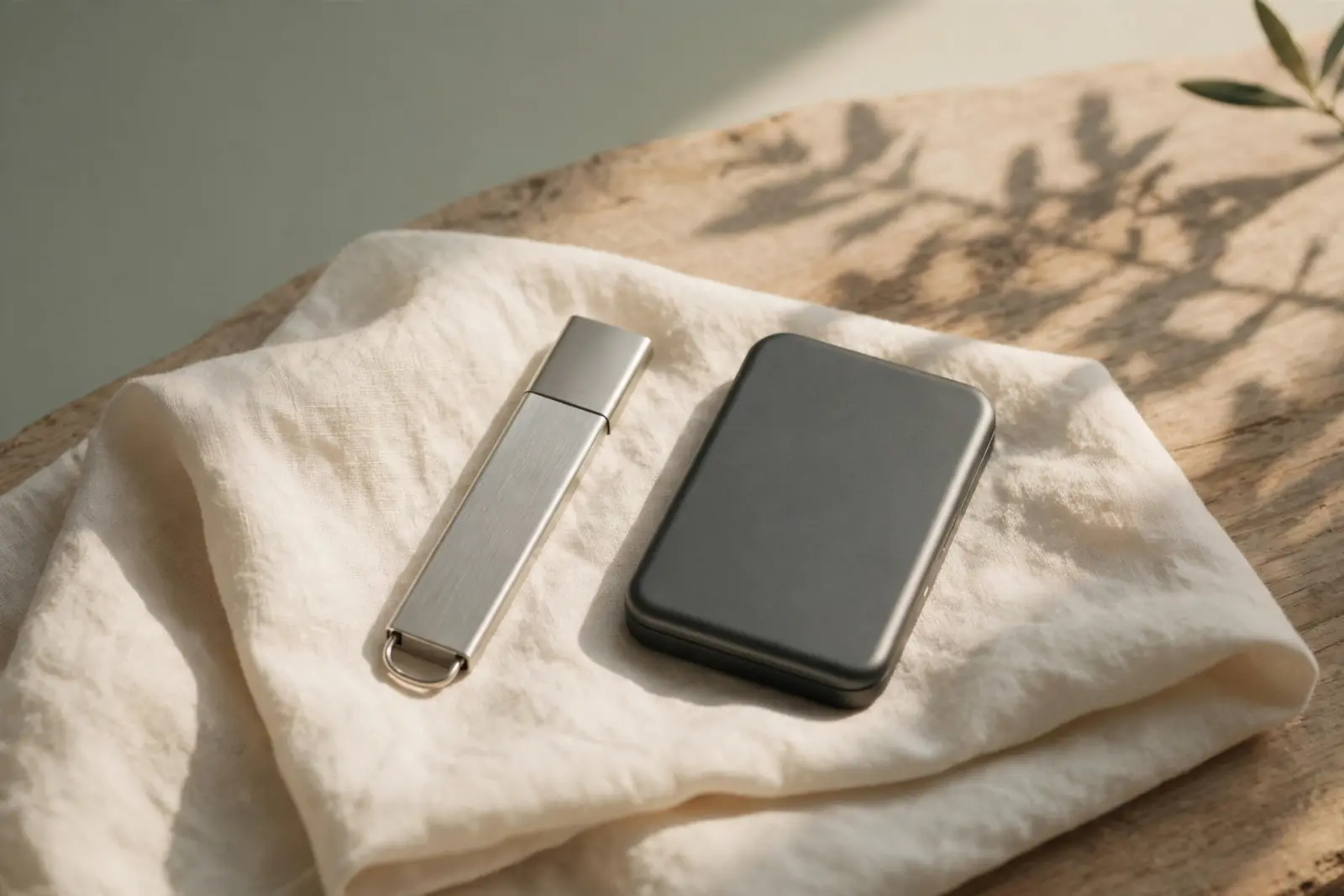
USB stick vs external hard drive
A USB stick (most US readers say flash drive or thumb drive) is flash storage with no moving parts. A portable external hard drive is spinning platters under re…
Updated 2026-09-13
Why does my hard drive show less space?
A 1 TB drive showing 931 GB in Windows is not missing space. Drive makers count in powers of 1,000, Windows counts in powers of 1,024 but labels the result GB, …
Updated 2026-09-13
SSD vs HDD
A hard drive stores data on spinning magnetized platters read by a mechanical arm; an SSD stores it on flash chips with no moving parts. That one difference exp…
Updated 2026-09-13

Why is my hard drive read only?
A drive that opens but refuses to save anything is usually not broken. The common causes are an NTFS drive on a Mac, a permissions setting, write protection on …
Updated 2026-09-13
How long drives last
Lifespan planning for hard disks, SSDs, memory cards and USB sticks, so replacements happen on your schedule, not theirs.
How long do hard drives last?
Fleet data suggests most hard drives run for years: Backblaze's study of more than 200,000 drives found about 90% still working after four. Learn what the numbe…
Updated 2026-09-13
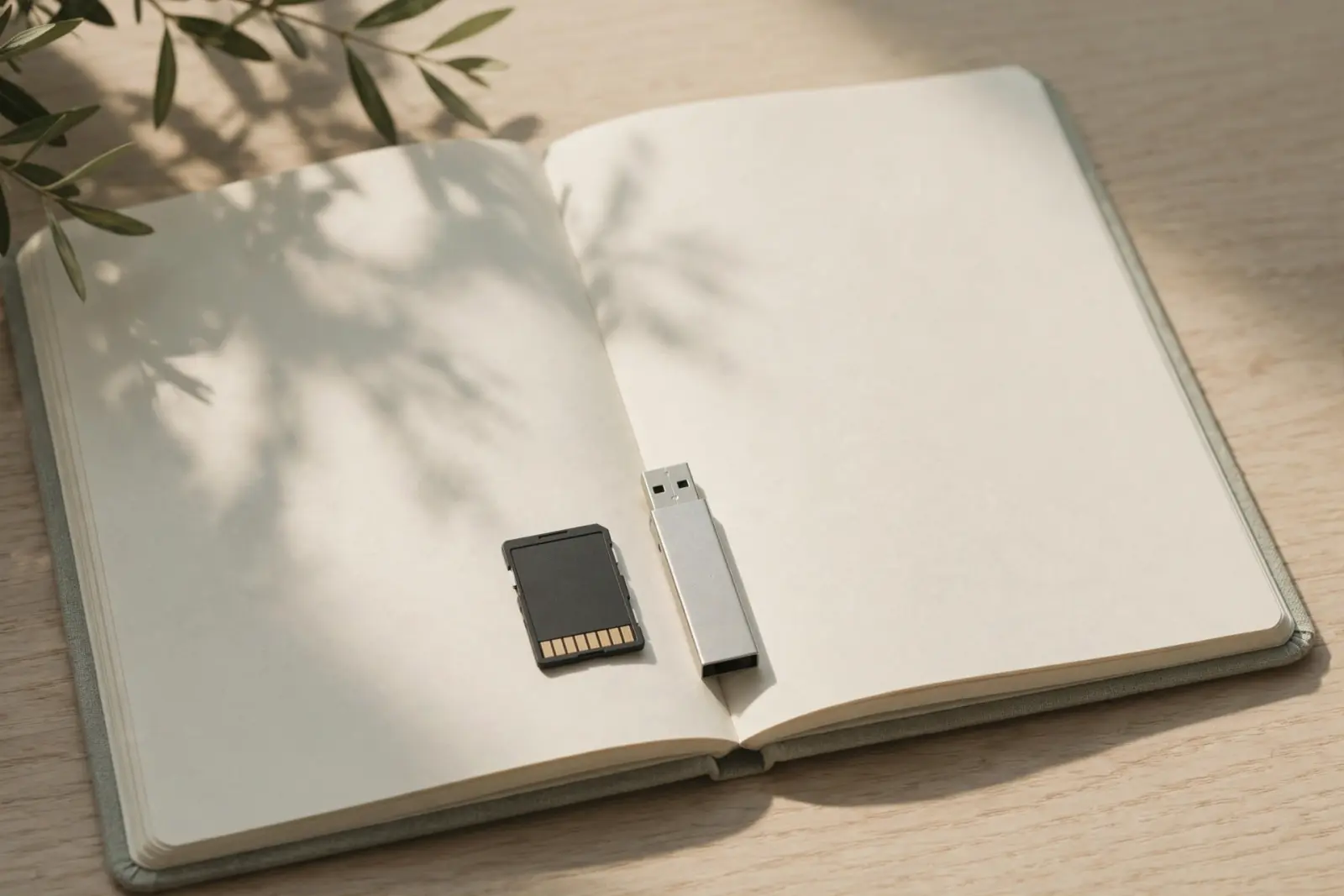
How long do USB sticks and SD cards last?
SD cards and USB sticks store data as electric charge in flash memory, and that charge can only be rewritten a limited number of times before the cell wears out…
Updated 2026-09-13
Prevention
The habits and setups that turn the next accident into a non-event, explained from official guidance.
The 3-2-1 backup rule, explained
The 3-2-1 rule means keeping three copies of your data, on two different kinds of storage, with one copy somewhere else. Each number covers a different kind of …
Updated 2026-09-16
How to store hard drives and SD cards
Hard drives and SD cards store best in a cool, dry, stable place, in anti-static packaging, checked now and then. Vendor specs give wide margins: hard drive dat…
Updated 2026-09-13

How to destroy a hard drive (and how to dispose of one safely)
Copy what you still need, wipe the drive, and only physically destroy it if the data justifies it. NIST's sanitization standard sorts the options into Clear, Pu…
Updated 2026-09-13
Network drives & RAID
NAS boxes and multi-drive arrays explained plainly: what they protect against, and what they do not.