
First response after data loss
A one-page card for the first ten minutes, when the right move is usually to stop. Print it, share it, keep it by the machine.
Essential Data Recovery · essentialdatarecovery.com/resources/first-response
Data loss: the first ten minutes
1. Stop writing to the device
- Power off, do not restart. Clicking, grinding or beeping: power off and leave it off.
- Take the card or USB stick out of the camera, phone or computer.
- Do not format, initialize, repair, or run first-aid and check-disk tools.
- Do not save recovered files onto the same drive: they can overwrite the files still to be recovered.
2. Check the boring answer first: backups
- Cloud sync and photo libraries often still have the files. Check from another device before touching anything.
- Time Machine (Mac) and File History (Windows) keep previous versions. So do email attachments and messaging apps.
- Restoring a backup onto the failing drive can overwrite what is recoverable. Restore to a different disk.
3. Match the response to the situation
- Deleted by mistake, drive healthy: recovery software in read-only mode is a reasonable next step.
- Drive not detected at all: stop. Software cannot see it either. Check power and cables once, then stop.
- Any physical event (drop, water, heat, smoke, power surge): no software route. Stop and ask a professional.
- Phone or console storage: expect encryption. Replacement parts and restores are different from recovery; check what each can actually give you.
- RAID or NAS: do not rebuild to rescue data. A rebuild reads every surviving drive and writes reconstructed data onto the array; one wrong assumption can finish the job.
4. When to stop and ask a professional
- The data is irreplaceable and not backed up. Every attempt is a risk; spend them wisely.
- Strange noises, repeated disconnections, or a drive that will not power up.
- A first careful software attempt found nothing. A second, harder attempt usually makes it worse.
Never, on this device
- Format or reformat “to fix it”.
- Freeze, open, or shake a hard drive.
- Install anything onto the drive with the problem.
- Trust a tool that promises a guaranteed 100% recovery.
Free to print and share unmodified. Guidance only: this card cannot know your device or your data. Source guides and the interactive version: essentialdatarecovery.com (start at guided help). Version 2026-09-14.
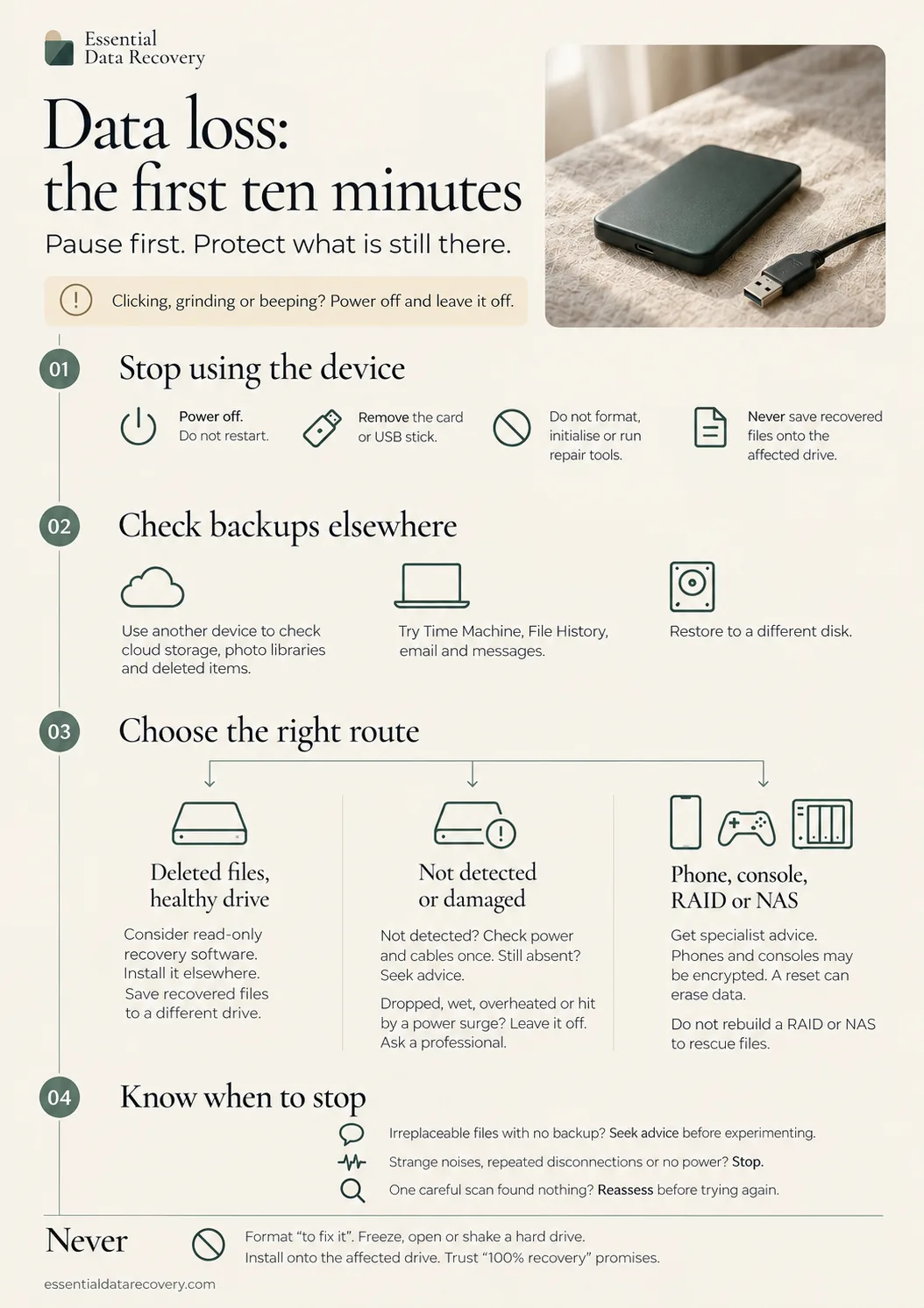
The one-page infographic
The same card as a designed infographic: pause first, then the four sections, and the fixes to never try. Click it to view full size, or download the print-ready PDF (US Letter portrait; prints on A4 with “fit to page”).
How to use this card
The card is a starting point, not a diagnosis. It gives the steps that keep a bad situation from getting worse, and the boundaries where do-it-yourself ends.
Not sure which situation you are in? The guided help tool asks a few short questions and points at a route. Your answers stay on your device: the site does not collect them.
Deeper guides for each situation
- Deleted files: first steps
- External drive not detected
- Clicking or grinding drive
- Deleted photos on a memory card
- RAID 5: rebuild decisions
More printable cards
Page updated 2026-09-17. Substantive changes are noted on our corrections page.