
How SSDs fail
SSDs fail in one of two ways: the controller dies, and the drive vanishes instantly with no noise or slow decline, or the NAND flash wears out through program/erase cycles. Endurance is published as a TBW rating, SMART is the main early signal, and power loss mid-write corrupts data. A dead SSD can sometimes be recovered by reading its chips directly; freezer and oven tricks do nothing.
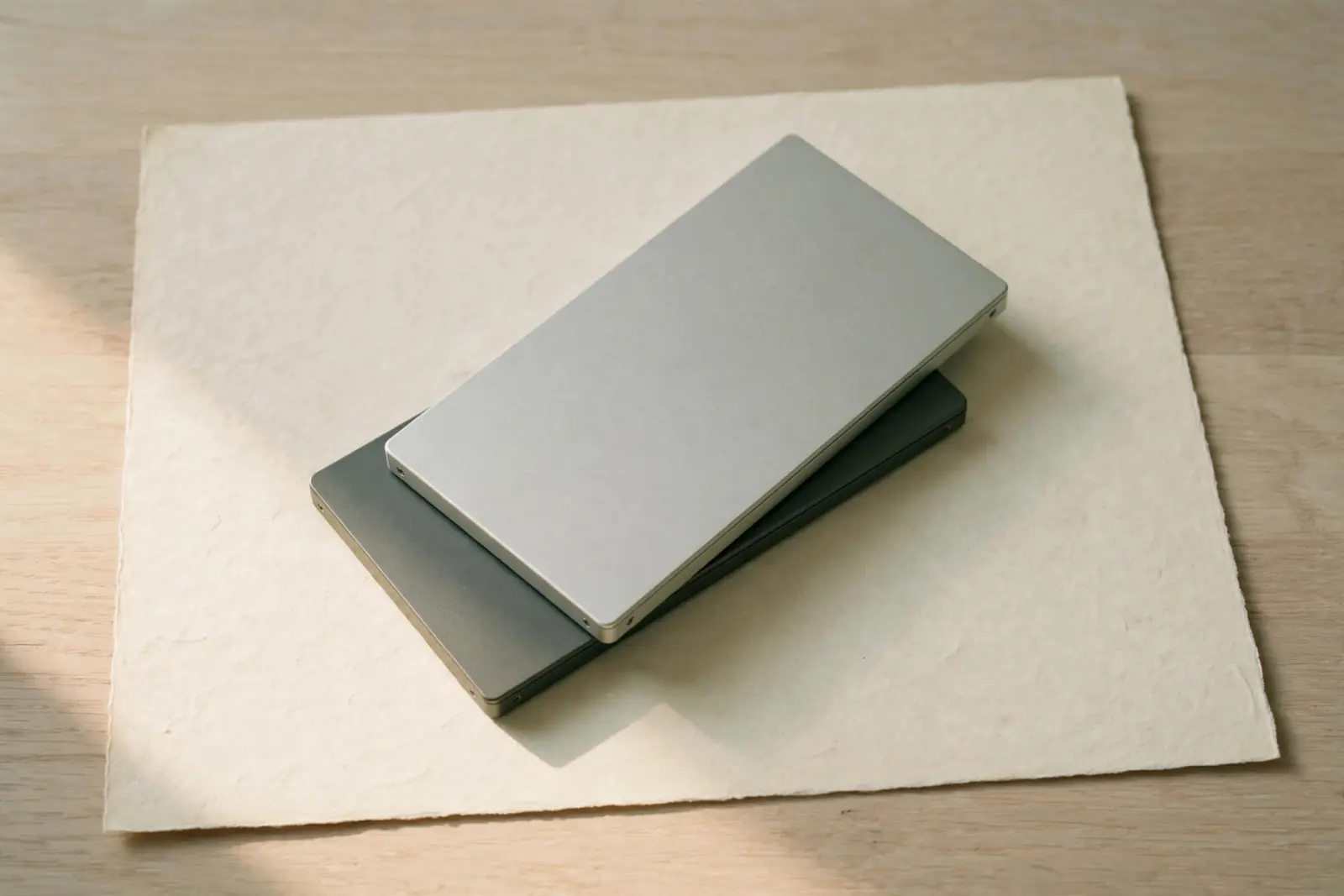
In one of two ways: the controller that manages the flash stops working, or the flash cells themselves wear out. Either failure ends the drive, and neither makes a sound first. A hard drive in trouble often clicks or grinds before it goes; an SSD usually works one day and is gone the next. The overall failure rate is not the alarming part, since Backblaze's SSD fleet ran a 0.90% lifetime annualized failure rate. What is different about an SSD is the shape of the failure: quick, quiet, and total, which changes both the warning and the recovery.[1][2]
The two ways an SSD dies
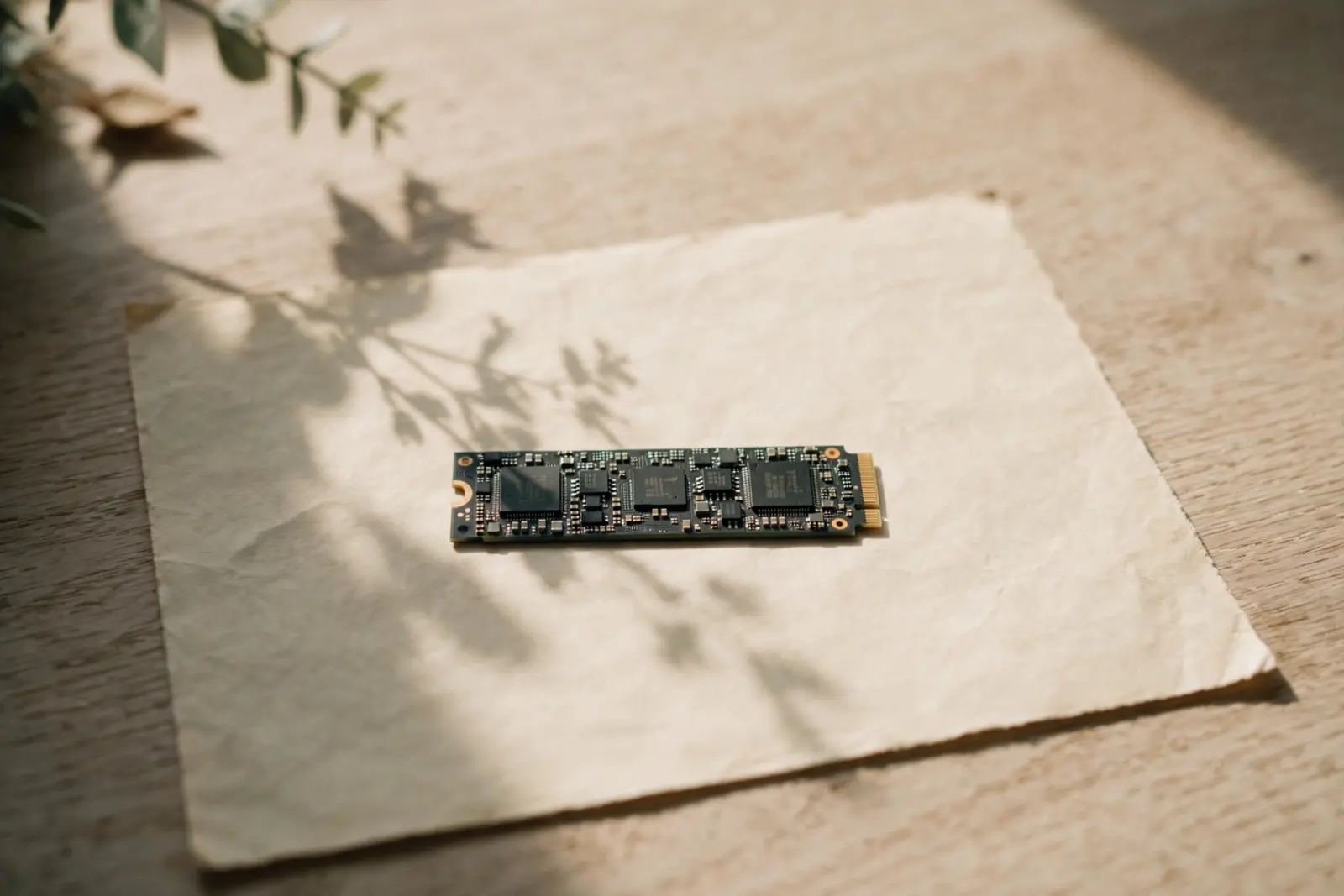
Every SSD is two things in one case: a stack of NAND flash chips that hold the data, and a controller, a small dedicated computer that decides where data lands and spreads writes around to even out wear. The two parts fail differently. Worn flash degrades gradually as cells start misbehaving. A dead controller stops the drive instantly: the drive vanishes from the BIOS or the operating system's device list with no noises, no errors ticking up, and no gradual slide. Rossmann Group, a recovery lab, puts the stakes plainly: a dead controller does not mean dead data, because the failure blocks the path to the NAND rather than erasing what is on it.[2]
| Aspect | Controller death | NAND wear |
|---|---|---|
| What fails | The drive's management chip | The flash cells themselves |
| How it presents | Drive vanishes instantly, no sounds | Gradual: bit errors rise, then data loss |
| What survives | Data intact on the chips, unreachable | Cells hold charge less reliably |
| Main early signal | Often none | SMART wear attributes |
The wear path is slower and better understood. NAND cells are written and erased in program/erase cycles, and each cycle stresses the cell a little. Ontrack's recovery writing describes cells losing the ability to hold charge reliably after repeated cycles, with the damage surfacing first as bit errors that the controller's error correction has to repair. A drive keeps working through all of that until the errors outpace the correction; past that point, Ontrack notes, data loss occurs.[3]
Why SSDs fail without warning
A spinning drive warns you mechanically because it wears mechanically: a failing bearing or head makes noise, and surfaces developing bad sectors show up as slow reads long before the drive stops. An SSD has no moving parts, so there is nothing to hear. The warning systems that exist are the drive's own reporting, and they are not airtight. Rossmann Group describes drives with Samsung Phoenix controllers that failed suddenly with no prior warning from built-in diagnostics, because the controller was quietly correcting for degraded cells behind the scenes without escalating anything to SMART. SMART is still the main early signal an SSD offers; treat it as a useful sensor, not a guarantee.[2]
Our article on how long hard drives last covers how spinning drives age and warn
Fleet data matches the picture of failures that do not follow a neat wear-out curve. In Backblaze's SSD statistics, the quarterly failure rate jumped around between 0.36% and 1.72% over three years instead of climbing steadily, and the 63 failed drives in its fleet averaged 14 months old, younger than the fleet itself at 25 months. Wear-out is real, but most of the failures in that dataset happened nowhere near an endurance limit.[1]
Wear and what TBW means
Manufacturers quantify endurance with a TBW rating: the total number of terabytes the drive is rated to write over its life. Samsung's US product page for the 870 EVO line, for example, states up to 4,800 TBW alongside a 5-year limited warranty. The figure is a design limit for the flash, not a countdown you can watch approach zero, and it is measured in data written rather than in years, so light use stretches it a very long way. The rating for a drive you own is on the manufacturer's specification sheet.[4]
The practical reading of TBW is that ordinary desktop use is unlikely to be what kills a consumer SSD, which is exactly what the fleet data above shows: drives failed young, not worn out. Wear becomes a genuine consideration for workloads that write constantly, such as video scratch disks, swap-heavy servers, and surveillance recording. Even then the rating is the manufacturer's own, so treat it as an order of magnitude rather than a promise.[1][4]
Sudden power loss
Power loss causes a different kind of failure: not the drive dying, but the data coming back wrong. An SSD caches writes in its own memory and juggles where data physically lands, so when power disappears mid-write, anything that had reached the cache but not the flash is lost, and a file system caught halfway through a change can come back inconsistent. Ontrack lists power fluctuations and lack of proper shutdowns among the causes of SSD bit errors and data loss. A drive that loses power at the wall usually reappears after a restart; the files being written at that moment are the ones at risk.[3]
Can a dead SSD be recovered?
Sometimes, and the odds depend on which part failed. If the controller died, the data is usually still sitting in the flash, intact and merely unreachable. Rossmann Group notes that software tools cannot get to it, because they need a working controller to talk to, which is exactly why dead drives go to labs. Labs work around the failed part at the chip level: Ontrack describes extracting the physical data directly from the NAND chips and simulating the controller's logic, a technique it says requires deep expertise in controller architecture and hardware encryption. That last phrase is the catch. If the drive encrypted data on the fly, the raw chip contents may be unreadable without the controller or its keys, which is part of why a dead SSD is a lab job rather than a software download.[2][3]
The honest framing: labs recover dead SSDs often enough to advertise the service, and neither lab's page publishes an overall success rate for them. What the pages do say is conditional. The NAND has to be intact, and anything the drive deleted and TRIMmed before it died is typically already gone, because TRIM tells the drive to erase those blocks in the background. Anyone quoting a fixed percentage for dead SSD recovery before seeing the drive is guessing.[2]
Do not put a dead SSD in a freezer or an oven. The freezer trick is spinning-drive folklore and does nothing for a dead controller or worn-out NAND, and chilling electronics invites condensation that can short them when powered back on. The same logic covers every power-cycle experiment: Rossmann Group calls the advice to keep a failing drive running "a myth that kills drives". Disconnect the drive, leave it off, and stop trying things.[2]
Our article on SSD TRIM and deleted files covers why deleted files are different on an SSD
What to do while it still works
None of the failure modes above come with a countdown you can trust, so spend a working drive's remaining life on the thing that protects the data.[2]
If the drive still works
- Copy anything irreplaceable to another drive or to cloud storage first. Backups, not diagnostics, are what keep the data safe.
- Check SMART with your drive vendor's tool or any monitoring utility: percentage used, reallocated sector counts, and total data written are the wear signals worth watching.
- Go easy on bulk writes the drive does not need. Everything written counts against the drive's rated endurance, so constant large rewrites use the budget up faster than everyday use.
- Treat a new symptom, a drive that drops out and comes back, or folders that will not open, as the last call for a copy.
Related reading
Not sure what state your drive is in? Use guided help
Sources
Facts on this page are cited to the publishers’ own documentation.
- [1] Backblaze — SSD Edition: 2023 Drive Stats Mid-Year Review. captured 2026-09-13.
- [2] Rossmann Group Data Recovery — SSD Data Recovery: NVMe, M.2, and SATA Drive Recovery. captured 2026-09-13.
- [3] Ontrack (Kroll) — SSD Recovery Technology: How Bit Errors Affect Your Data. captured 2026-09-13.
- [4] Samsung — 870 EVO SATA 2.5" SSD 1TB (MZ-77E1T0B/AM) product page. captured 2026-09-13.
Related pages

How long do hard drives last?
Fleet data suggests most hard drives run for years: Backblaze's study of more than 200,000 drives found about 90% still working after four. …

SSD vs HDD
A hard drive stores data on spinning magnetized platters read by a mechanical arm; an SSD stores it on flash chips with no moving parts. Tha…
SSD disappeared from BIOS
A drive absent from the BIOS is invisible to every recovery tool, so the documented checks come first: ports, seating, cables, M.2 sharing a…