
Can data be recovered from a phone that won't turn on?
Short answer
Usually the data is not what is lost. A phone that will not turn on often has a flat battery, a frozen system or a charging fault, and its storage is still there. A forced restart and time on charge are the official first steps. If the phone stays dead, Apple, Samsung and Google publish no way to copy data off it, so a professional service is the honest remainder.
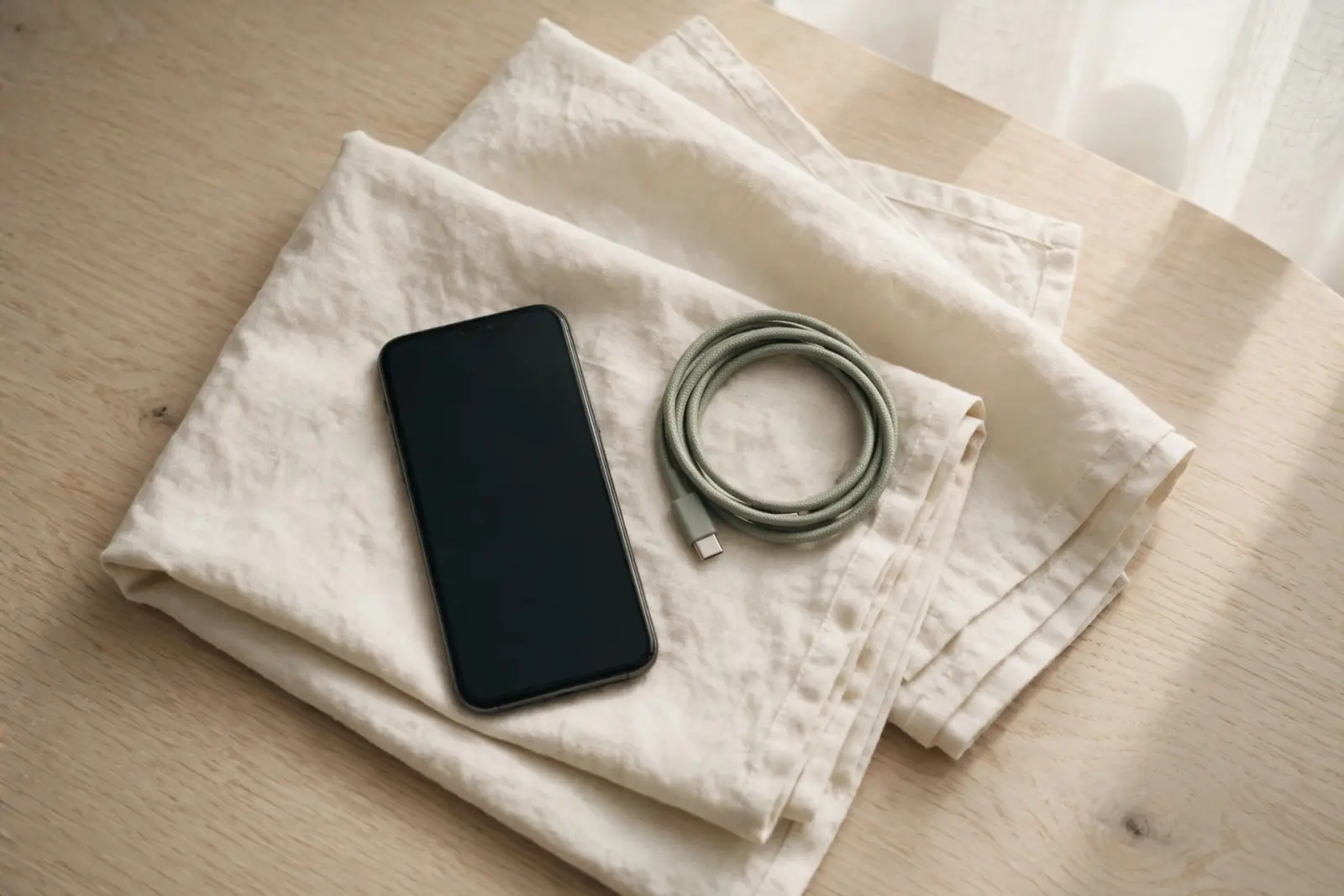
A phone that will not turn on has not, by that fact alone, lost anything. Your photos, messages and apps live on the phone's storage, and the immediate problem is usually power rather than data: a flat battery, a frozen system or a charging fault. The published advice from Apple, Samsung and Google is a forced restart and charging, not recovery software. Samsung UK is explicit that a correctly performed forced restart will not erase any information from the phone.[1][2][3]
Start with power, not with software
The official first steps cost nothing and need no tools. Apple's advice for an iPhone is a forced restart first: volume up, volume down, then hold the side button until the Apple logo appears, which can take longer than ten seconds. If it still does not turn on, Apple says to charge it for one hour and try again. Samsung UK's advice for a Galaxy is to charge the battery for a few minutes first, then hold the Side and Volume Up keys for more than seven seconds, releasing when the Samsung logo appears. Google's Android Help covers other Android phones the same way: charge for half an hour, then a long press of the power button.[1][2][3]
A sensible order
- Charge from a wall socket rather than a computer's USB port, and give the phone a full hour before judging it.
- On an iPhone, force a restart: volume up, volume down, then hold the side button until the Apple logo appears.
- On a Galaxy, hold the Side and Volume Up keys for over seven seconds; release at the Samsung logo.
- On other Android phones, hold the power button for 5 to 7 seconds, or volume down and power together for 20 seconds while plugged in.
- If a red light or low-battery screen appears, the battery is flat rather than the phone dead: keep it charging and try again.
Do not push a damaged phone harder. Samsung UK tells owners to check the charging port and cable for debris, corrosion or bent pins, and to make sure the phone has not been submerged in water or shows signs of liquid in the ports. It warns that a charger with the wrong voltage, amperage or plug type can damage the phone, and recommends a genuine Samsung-certified charger. A phone that is wet inside, hot, misshapen or visibly damaged should go to a repair professional rather than back onto a charger.[3]
If it stays dead
All three manufacturers end their pages at the same point. Apple says that if an iPhone still will not turn on it may need a service, and Samsung UK directs owners who cannot turn a Galaxy on to its repair booking. None of the pages offers a step for copying data off a phone that never wakes: Apple's guidance runs from charging to a forced restart to service, Samsung's ends at checks, restart and repair, and Google's stops at charging and restarts. That silence is the honest boundary. For phones that come back, Apple's backup guide says you may need to restore from an iCloud or computer backup after a service appointment. If the phone stays dead and the data matters, a professional data-recovery service is the route that remains.[1][4][3][2]
If the only way back is a wipe, see whether files survive a factory reset
Choosing a data-recovery service: what to ask before you hand a phone over
Sources
Facts on this page are cited to the publishers’ own documentation.
- [1] Apple — If your iPhone won't turn on or the screen is black. captured 2026-09-13.
- [2] Google — Fix an Android device that won't charge or turn on. captured 2026-09-13.
- [3] Samsung UK — What to do if your Galaxy phone won't power on properly?. captured 2026-09-13.
- [4] Apple — Restore your iPhone, iPad or iPod touch from a backup. captured 2026-09-13.
Related pages

Phone won't turn on: how to get your data off
A phone that will not turn on can still be holding your photos. Charge it the way the manufacturer says, force-restart it, try a computer wh…

Recover data from a phone with a broken screen
Cloud backups, a computer and the repair shop come before any recovery software. The official routes for an iPhone or Android phone with a c…

Can a water-damaged phone be recovered?
Usually yes. Photos, messages and contacts sit on a flash chip that resists corrosion better than the circuit board around it, so the data o…