
Can a water-damaged phone be recovered?
Short answer
Usually yes. Photos, messages and contacts sit on a flash chip that resists corrosion better than the circuit board around it, so the data often outlives the phone. What puts it at risk is charging a phone that is still wet, and waiting, because corrosion starts within hours. Apple and Samsung both say to let a phone dry completely before connecting a charger.
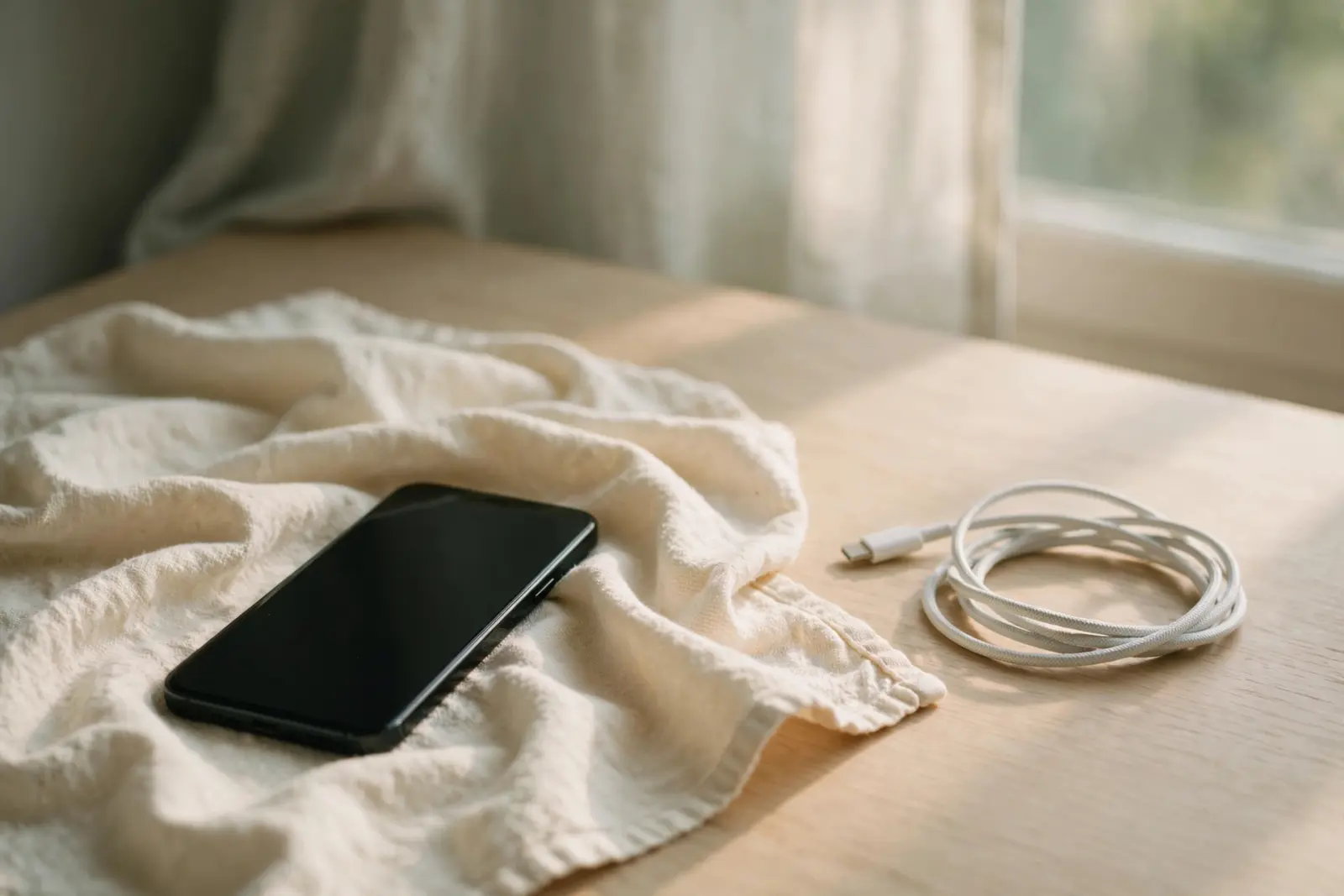
Yes, often, and the phone itself is not what decides it. Data Clinic, a UK recovery lab, reports that photos, messages, WhatsApp backups and contacts sit on a sealed flash chip that resists corrosion better than the main circuit board, so data can often be recovered from a phone that will not power on at all. What puts that data at risk is not the dunk but what follows: the same lab warns that charging a wet phone can turn a recoverable fault into an unrecoverable one, and that water begins corroding the board within hours. The first saver of your data is usually the backup you already have. The second is corrosion-aware professional recovery.[1]
What water resistant actually means
A rating on the box is a test result, not a promise about your phone. Samsung UK states that the water resistance of Galaxy phones is not permanent and may be naturally weakened over time, that it is not guaranteed if the phone sits in water for more than 30 minutes, and that the ratings come from fresh water testing rather than sea, pool or soapy water. A phone that shrugged off a splash last year is not the same phone today.[2]
Both makers give the same instruction in their own words. After its liquid-detection alert, Apple advises waiting at least 30 minutes before charging again, and says an iPhone can take up to 24 hours to dry fully. Samsung warns Galaxy owners not to connect a charger or accessories until the phone and its connection jack are completely dry, because connecting them while the jack is wet may damage the product.[3][2]
Do not charge a phone that may still be wet inside. Apple's liquid-detection alert exists precisely so that people wait, up to 24 hours if needed, and Samsung gives the same instruction for Galaxy phones. Skip the folk remedies too: Apple specifically warns that putting an iPhone in a bag of rice could let small rice particles damage the phone, and says not to dry it with an external heat source or compressed air.[3][2]
Why waiting quietly costs data
Water damage is not a single event. Data Clinic reports that water begins corroding the copper traces on a phone's logic board (its main circuit board) within hours of contact, and that corrosion spreads over hours and days rather than weeks. That is the quiet cost of setting the phone aside to deal with it later, and it is why the lab's starkest warning is about power: charging a wet phone can turn a recoverable fault into an unrecoverable one.[1]
What actually saves the data
The backup you made before any of this happened saves more phones than any lab: if your photos and messages already sync somewhere off the handset, a drowned phone is an inconvenience rather than a loss. Without a backup, professional recovery is the second chance, and it is corrosion-aware work. Data Clinic describes recovering data from phones that will not power on by going straight to the flash chip, which survives water better than the board around it. One cost note before you call anyone: Apple states that servicing for liquid damage is not covered by its one-year warranty, so a water-resistant phone can still mean an out-of-warranty repair.[1][4]
How to choose a data recovery service
The step-by-step part lives in the guide
This page answers the question; the recovery steps live in the phone guide, from first response to what a lab actually does. If the same accident caught a computer or external drive, the same thinking applies to it, right down to leaving it switched off.
How to recover data from a phone with a broken screen
Can a water-damaged drive be recovered?
Sources
Facts on this page are cited to the publishers’ own documentation.
- [1] Data Clinic Ltd — Dropped Phone in Water? UK Liquid Damage Data Recovery. captured 2026-09-13.
- [2] Samsung UK — Galaxy Phone Water Resistance. captured 2026-09-13.
- [3] Apple — If you see a liquid-detection alert on your iPhone. captured 2026-09-13.
- [4] Apple — Water and other liquid damage to your iPhone or iPod isn't covered by warranty. captured 2026-09-13.
Related pages
Can data be recovered from a phone that won't turn on?
Usually the data is not what is lost. A phone that will not turn on often has a flat battery, a frozen system or a charging fault, and its s…
Can a water-damaged drive be recovered?
Labs regularly recover data from soaked drives: UK lab Data Clinic says its process recovers data even from severe flood damage, while being…
Phone won't turn on: how to get your data off
A phone that will not turn on can still be holding your photos. Charge it the way the manufacturer says, force-restart it, try a computer wh…