
Why does my SD card say it's full when there are no files?
Short answer
Usually the space is genuinely in use: files your file browser hides by default, or housekeeping folders a Mac, a phone, or a camera left on the card. The other possibility is a counterfeit card whose software reports more capacity than it really has, which corrupts files once the real limit is passed.
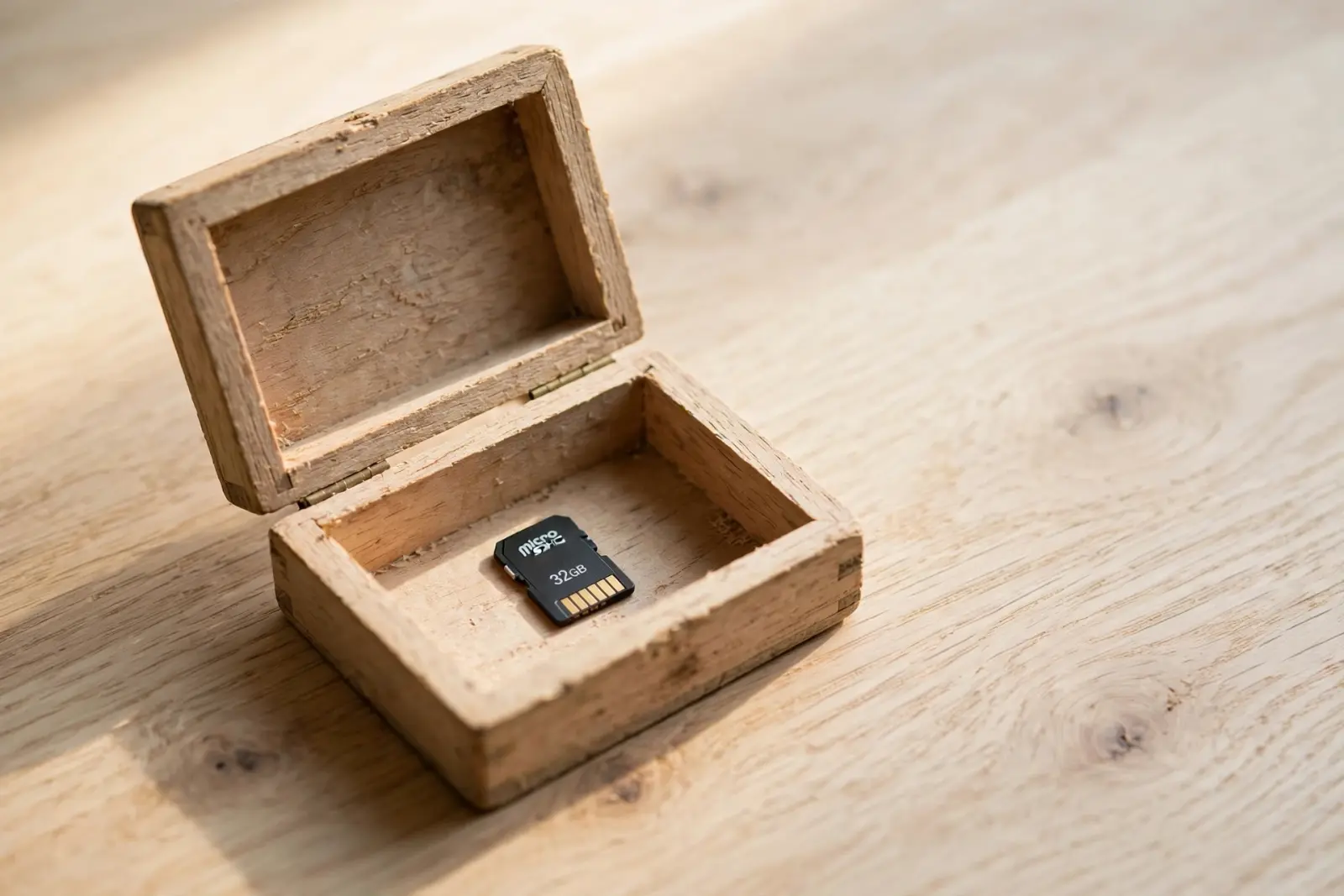
A card that reads full while showing no files is either holding things you cannot see or reporting space it does not have. The first is far more common: files the file browser hides by default, plus housekeeping that a Mac, a phone, or a camera left on the card. The second is a counterfeit card, and it is worth ruling out only after the hidden items have been checked.[1][2]
Hidden items are still taking up space
Both major desktop systems hide files by default. Windows File Explorer keeps hidden files and folders out of view until you switch them on: in Windows 11 that is View, then Show, then Hidden items; in Windows 10 it is the View tab, then Show hidden files, folders, and drives. On a Mac, any file or folder whose name starts with a period is hidden automatically, which is exactly where card housekeeping ends up, so Finder can show a nearly full card with no visible reason why.[1][3]
See what is really on the card
- Put the card in a reader and open it on a Windows PC or a Mac.
- Windows 11: in File Explorer, choose View, then Show, then Hidden items. Windows 10: choose the View tab, then Show hidden files, folders, and drives.
- Mac: with the card open in Finder, press Shift-Command-Period to reveal hidden items, and again to hide them.
- Sort by size, largest first, so whatever is filling the card rises to the top.
- Look before deleting anything: files that appear only once hidden items are shown are often files you want.
Space that stays invisible
Even with hidden items showing, some space sits in folders you would not think to open. A card that has been in a Mac can carry dot-prefixed folders such as .Trashes, where deleted items wait: deleting a file on a Mac moves it to the Trash, and it stays there until the Trash is emptied, so a drag to the Trash frees nothing on its own. A card that has traveled between devices collects this housekeeping, because each device can leave its own folders behind. Interrupted transfers add more: Microsoft warns that removing or disconnecting a device without following safe removal risks losing data, and a copy cut off mid-write can leave partial pieces behind that still count against the space.[3][4][5]
When the card lies about its capacity
If nothing hidden turns up and the card still reads full, consider a fake. The SD Association, the industry body behind the SD standard, describes counterfeit cards that ship with software masking their true capacity, so a computer reads the card as 256 GB when the real capacity is 16 GB. These cards corrupt rather than simply run out, because files written past the real limit have nowhere safe to go: the newest photos and videos land on top of data already stored. A card that reports a large capacity and then loses or mangles files fits this pattern.[2]
Get your files off before you clean up
Whatever the cause, the order matters. Copy anything visible that you want to keep to the computer or another drive before deleting or reformatting anything. Erasing a storage device deletes everything on it, and Apple's Disk Utility guidance is to copy any files you want to save to another storage device first. Once the card is copied off, reformatting is a reasonable cleanup: it clears hidden folders and partial files, and it is the honest test of a suspect card, because a counterfeit will fill up and corrupt again.[6][2]
Never reformat a card that still holds files you have not copied off. If the card has started misbehaving and you are trying to rescue what is on it, a format destroys exactly what you are trying to save. Copy first, clean up second.[6]
Related reading
Files disappearing from a drive that still works: the causes
Can a corrupted SD card be fixed?
SD card not reading at all? The card-side checks
Not sure what your situation is? Guided help walks you through it
Sources
Facts on this page are cited to the publishers’ own documentation.
- [1] Microsoft — File Explorer in Windows - Microsoft Support. captured 2026-09-13.
- [2] SD Association — Keeping It Real: How SD-3C Fights Counterfeit SD Memory Cards. captured 2026-09-13.
- [3] Apple Developer — File System Programming Guide: File System Overview (Hidden Files and Directories). captured 2026-09-14.
- [4] Apple — Mac keyboard shortcuts - Apple Support. captured 2026-09-13.
- [5] Microsoft Learn — Windows default media removal policy. captured 2026-09-13.
- [6] Apple — Erase and reformat a storage device in Disk Utility on Mac. captured 2026-09-13.
Related pages
SD card not reading: how to get your files off
A card that is not reading is one of three problems: nothing appears anywhere, the card appears and asks to be formatted, or the card works …
Corrupted SD card: how to get your photos off
A corrupted card means the card's file system is unreadable, so your computer offers to format it or shows an empty volume where your photos…
Can a corrupted SD card be fixed?
Usually yes. A corrupted card can normally be made usable again by reformatting, which gives it a fresh file system, but reformatting erases…