
Can data be recovered from a dead hard drive?
Short answer
Often yes. A drive that seems dead is usually one specific part that failed, and the platters that hold your data are only one of several things that can break. Recovery labs handle dead drives routinely: they swap in donor parts, repair firmware, and open sealed drives in a cleanroom when they have to. Leave the drive powered off and let an evaluation tell you what is actually recoverable before you commit to anything.
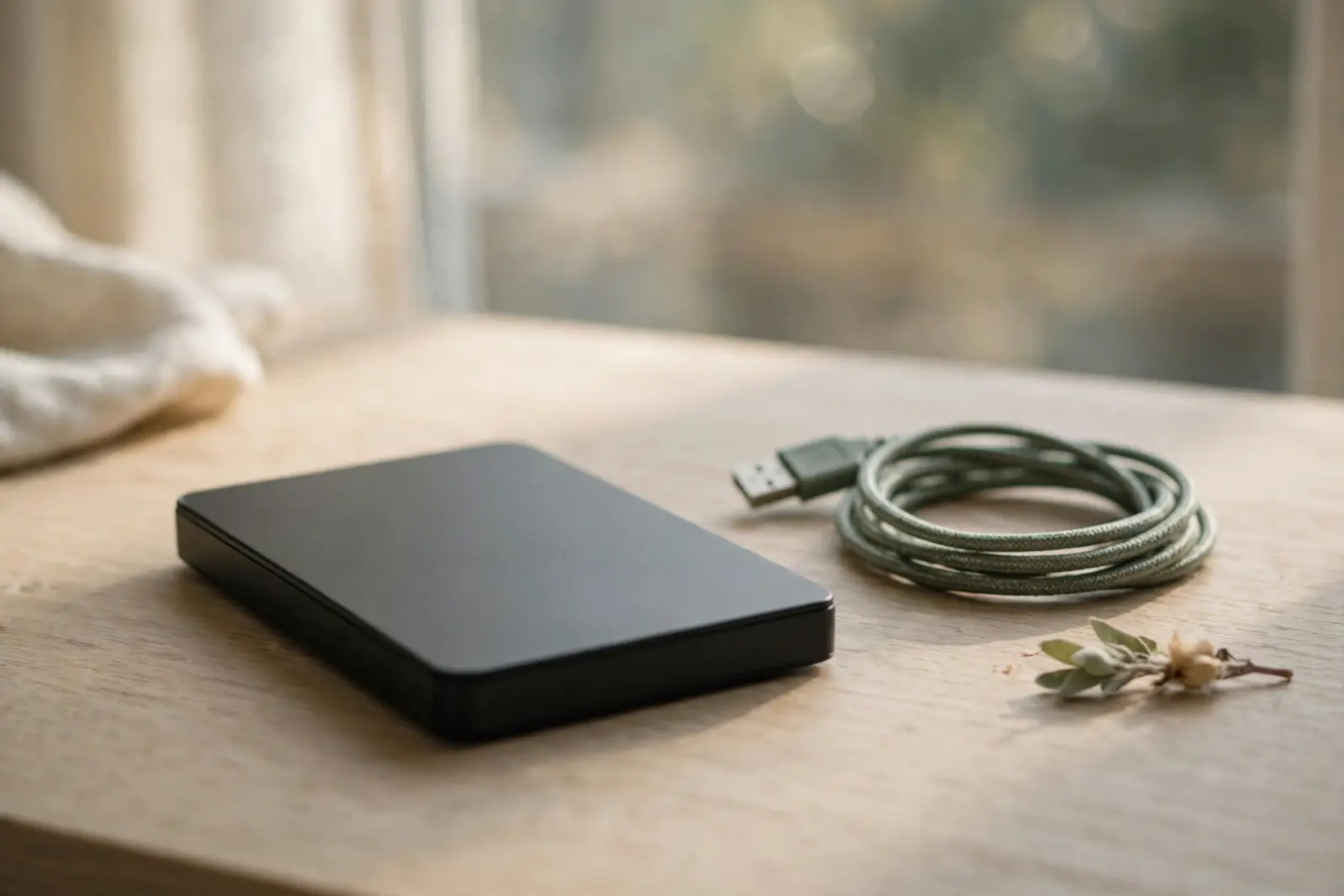
Often, yes. A drive that seems dead is usually one specific part that failed, not the data itself. Labs describe 'dead' drives by symptom (clicking or grinding, no spin-up, no power, or a drive the computer does not detect) and treat those as separate, diagnosable faults: a damaged circuit board, corrupted firmware, a seized motor, worn bearings, jammed heads, or scratched platters. The platters, where your files actually live, are only one item on that list, which is why a dead drive is a routine job for a recovery lab rather than automatically a write-off.[1]
What 'dead' actually describes
'Dead' is not a diagnosis, it is a symptom report, and the exact symptom points at different parts. Clicking or grinding noises mean a mechanical failure, which Ontrack attributes to a head crash or motor failure; a drive that powers on but is not detected suggests an electronics or firmware problem instead. Seagate's own guidance makes the same distinction from the manufacturer's side: a recent change in the sound around the drive may indicate a physical problem, and a drive that fails its SeaTools test may have a mechanical one. Seagate also cautions that an external drive beeping can be as mundane as insufficient electrical power, so not every alarming noise means damaged hardware.[2][3][1]
What a lab actually does with a dead drive
The work depends on which part broke. For electronics and firmware faults, labs repair the board or the firmware. For mechanical faults, Secure Data Recovery describes working from a dedicated library of donor parts, fitting a matching motor, heads, or other component so the platters can be read one final time. When the drive has to be opened at all, it happens in a certified cleanroom: Secure Data Recovery cites a Class 10 ISO 4 facility, and Ontrack states it is authorized by Western Digital, Fujitsu, Hitachi, Seagate, Samsung, and Toshiba to open and repair their drives without voiding the warranty. Opening a sealed drive outside those conditions exposes the platters to dust, which is why the cleanroom is not theater.[1][2]
Do not keep power-cycling a dead drive to see if it comes back. Secure Data Recovery's guidance is to turn the computer off or unplug the drive as soon as you notice a problem and to stop using the drive entirely, because each further attempt increases the risk of further damage, corruption, or permanent data loss, and the first recovery attempt offers the best chance of success. Never open the drive's case yourself, at home or anywhere but a cleanroom: the lab's own words are that this can damage it even more, and dust inside a sealed drive can turn a recoverable failure into an unrecoverable one.[1]
Find out what is recoverable before you pay
You do not have to commit to a four-figure repair on faith, because the evaluation comes first at the major labs. Secure Data Recovery's process lists free diagnostics as step two, with an exact quote only after technicians assess the drive in a cleanroom and a commitment not to exceed the amount quoted. Ontrack works the same way: engineers run a thorough evaluation and send you a list of the recoverable files, so you know exactly what you would be buying before paying anything. That list is the number that matters, because the rational decision is whether the specific files are worth the quoted price, not whether dead drives are recoverable in general.[1][2]
The one case where software is the right tool
Recovery software is the right call only for a drive that is alive and healthy: one that spins up normally, sounds normal, and is detected reliably. If that describes your drive and the problem is deleted files or a corrupted file system, scanning it yourself is reasonable, though Secure Data Recovery's warning about continued use still applies, since every hour of running risks overwriting the very data you are trying to recover. If the drive clicks, grinds, is silent, or is not detected, software has nothing to scan and every power-on is a roll of the dice, so it goes to a lab instead.[1][2]
Related reading
External drive not detected: what to check first
What a clicking hard drive means and what to do
What data recovery costs in the US
Can data be recovered from a dead phone?
Walk through your situation step by step
Sources
Facts on this page are cited to the publishers’ own documentation.
- [1] Secure Data Recovery (data recovery lab) — Hard Drive Data Recovery - Secure Data Recovery. captured 2026-09-13.
- [2] Ontrack (Kroll Ontrack data recovery lab) — Hard Drive Recovery | Ontrack. captured 2026-09-13.
- [3] Seagate — What should I do for a noisy disk drive?. captured 2026-09-11.
Related pages
Can a hard drive be repaired?
Yes, hard drives can often be repaired: labs replace circuit boards, free jammed heads, repair firmware, and replace motor parts. But repair…
Clicking hard drive: what to do, and what never to do
Which drive sounds are normal, which new noises deserve caution, and the immediate steps that protect your data when a drive starts making t…
Can a water-damaged drive be recovered?
Labs regularly recover data from soaked drives: UK lab Data Clinic says its process recovers data even from severe flood damage, while being…