
Can a power surge damage a hard drive?
Short answer
Yes: a power surge can short out a hard drive's control board or corrupt its firmware while the data on the platters usually survives. Recovery labs treat surge-damaged drives as routine work. This page explains what actually breaks, why the data often survives, and what to do (and not do) with a drive after an electrical event.
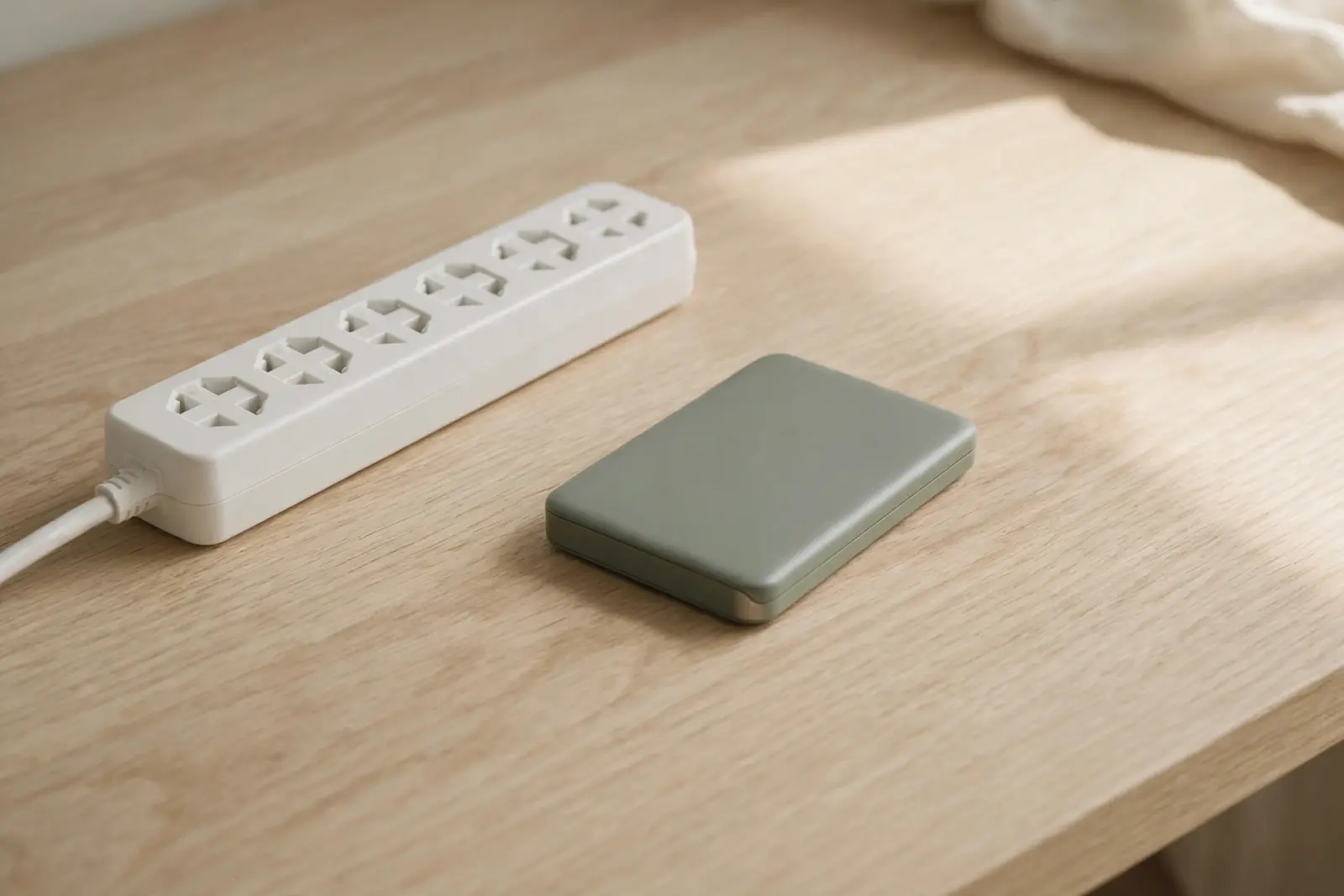
Yes. A power surge can kill a hard drive's electronics while the data recorded on the platters usually survives. The part that typically fails is the drive's control board or its firmware, not the magnetic surfaces that hold your files. That separation is why recovery labs treat surge-damaged drives as routine: Ontrack, a recovery company, says it recovers data from devices damaged by lightning or power events, including hard drives. The damage is real, but it is usually damage to the drive's ability to identify and serve its data, not to the data itself.[1][2]
What a surge actually breaks
The control board is the drive's built-in computer: it manages the motor, the heads, and the conversation with your PC. A sudden loss or spike of power can short that board out, which leaves you with a drive that does not spin up or answer, even though the platters inside are fine. Firmware is the second thing an electrical event can break. If a firmware sector becomes corrupted, the drive can be prevented from booting, so the hardware can be intact and the drive still unreadable.[1]
Why the data usually survives
Your files live as magnetic patterns on the platters, and an electrical event usually leaves those patterns alone. The data becomes genuinely threatened when a mechanical problem follows the electrical one: if the heads touch the spinning platters, they start to gouge out the magnetic coating, and severe rotational scoring can render the data unsalvageable. That is the scenario to avoid, and it is the reason the handling rules below matter more than the surge itself.[1]
When a drive's electronics are dead, labs do not need them to read the drive. Gillware describes replacing the control board and moving the ROM chip from the original board onto a compatible replacement, and, for flash devices, carefully removing the NAND chips and using custom software to emulate the controller. This is workshop work with donor parts, not a software scan. Ontrack self-reports more than 600,000 recoveries with a 90% success rate, figures from its own marketing rather than an independent audit.[1][2]
Do not keep reconnecting and repowering a drive after an electrical event, and do not run recovery software on it hoping to jog it back to life. Ontrack's guidance for electrically damaged devices is plain: do not try to operate a device that has been visibly damaged, and avoid DIY recovery software on broken devices. Every powered attempt on fried electronics is a chance to turn an electronics failure, which labs fix routinely, into a mechanical one that scrapes your platters.[2][1]
An outage is not the same event as a surge
Losing power rarely breaks hardware by itself. The risks in an outage are the writes that were in flight: heads may not park in time, and corrupted data can end up in the drive's boot sector. The electrical danger arrives when power comes back, because the return of power can carry the spike that shorts a control board. In short: an outage is mostly a software-consistency problem, and a surge is the hardware problem.[1]
How much protection a surge protector or a battery backup (UPS) actually provides is not measured by anything cited on this page, so no protection claim is made here. What the vendors document is fault isolation: Seagate's troubleshooting for an external drive with no power says to try a different wall outlet, and if the drive is plugged into a surge protector or power strip, to plug its power adapter directly into the wall to rule the strip out.[3]
The Windows "power surge on the USB port" message
Windows can pop a notification titled "Power surge on the USB port" reading "A USB device has malfunctioned and exceeded the power limits of its hub port." Despite the word surge, this is the port limiting power, not a report that your files were harmed: Dell's documentation describes it as appearing when a connected device is drawing more power than the port can provide. Dell also lists other causes, including a faulty device or cable, USB controller drivers that need refreshing, and a power-saving setting that put the port to sleep. Its remedies include using a powered USB hub for power-hungry devices like external drives.[4]
Related reading
External drive not detected: what to check first
Can data be recovered from a water-damaged drive?
Not sure which situation you are in? Guided help walks you through it.
Sources
Facts on this page are cited to the publishers’ own documentation.
- [1] Gillware Data Recovery — Hard Drive Not Working After Power Outage: Power Outage Data Recovery. captured 2026-09-13.
- [2] Ontrack — Power Surge | Lightning Strike | Data Recovery | Ontrack. captured 2026-09-13.
- [3] Seagate — USB external troubleshooter. captured 2026-09-12.
- [4] Dell — "Power Surge on the USB Port" Error in Windows. captured 2026-09-13.
Related pages

Can a hard drive be repaired?
Yes, hard drives can often be repaired: labs replace circuit boards, free jammed heads, repair firmware, and replace motor parts. But repair…
Can data be recovered from a dead hard drive?
Often yes. A drive that seems dead is usually one specific part that failed, and the platters that hold your data are only one of several th…
Can a water-damaged drive be recovered?
Labs regularly recover data from soaked drives: UK lab Data Clinic says its process recovers data even from severe flood damage, while being…