
How to store hard drives and SD cards
Hard drives and SD cards store best in a cool, dry, stable place, in anti-static packaging, checked now and then. Vendor specs give wide margins: hard drive datasheets list storage ranges far beyond room temperature, and SanDisk rates its cards for temperature, humidity, magnets, water and airport X-rays. Here is how to store each kind, and why one drive in a drawer is not a backup.
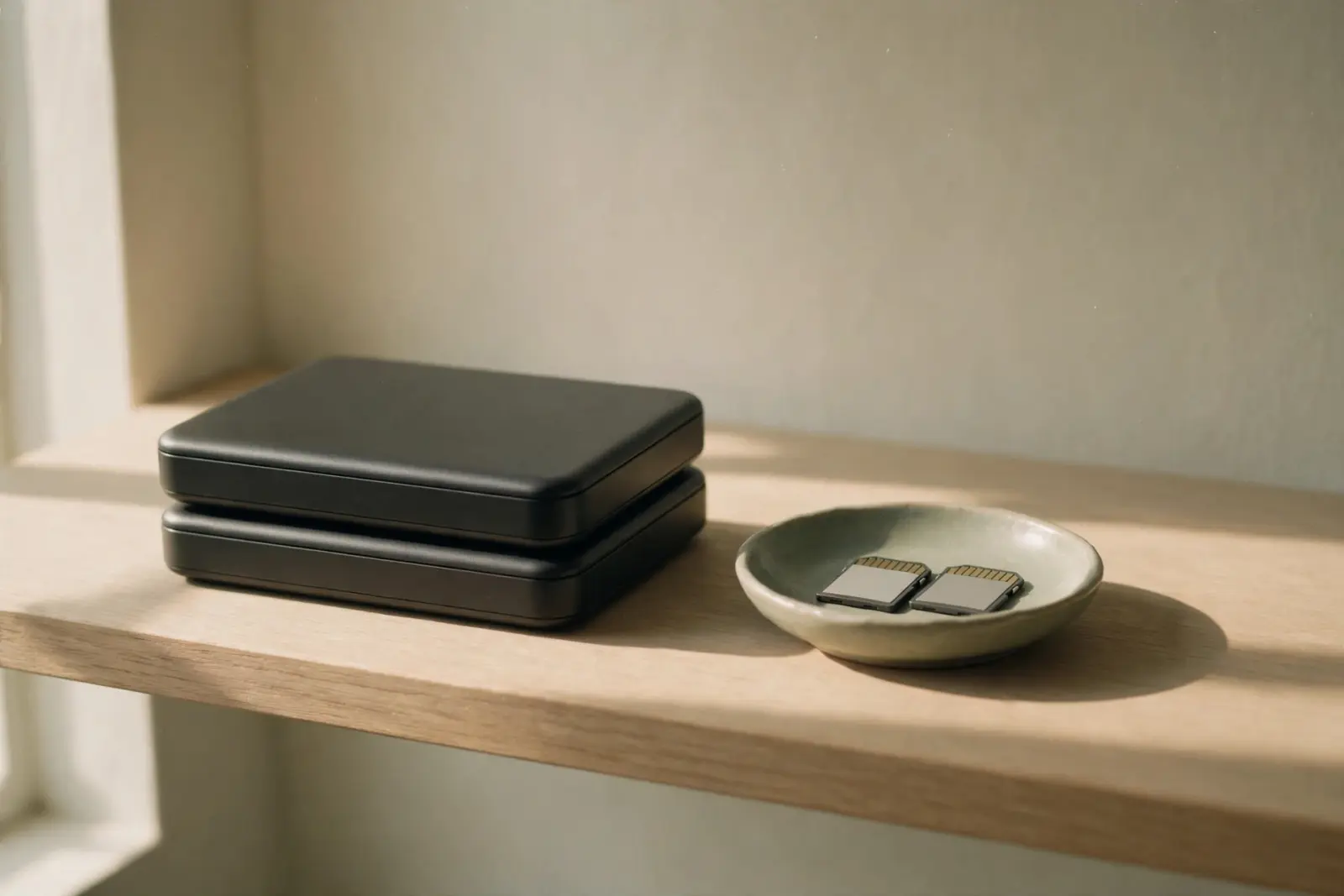
Storage is the quiet part of drive care: cool, dry, stable and static-safe covers nearly all of it, and the vendor specs are more forgiving than most people assume. Seagate's datasheets list storage temperatures from -40 to 70 degrees Celsius for its drives, and SanDisk says its memory cards resist the X-ray doses airport scanners use. What damages stored media is a shorter list: condensation, static, physical knocks, and the slow failure of never checking on the drive at all. This page covers the environment, each kind of media, and the trap long-term storage encourages, which is treating a drive in a drawer as a backup.[1][2]
The environment that treats drives well
Start with the numbers, because they set the margins. Seagate's support pages put the operating range for most of its hard drives at 5 to 50 degrees Celsius, or 60 degrees Celsius maximum on newer models, and that is the range for a drive that is running. Storage ranges are wider: the environmental table in the datasheet for Seagate's SV35.5 surveillance drive lists non-operating temperatures from -40 to 70 degrees Celsius ambient. A closet or an office drawer sits comfortably inside those figures all year, so the goal is not precision but stability: avoid attics, sheds and garages that swing hot and cold, keep drives off radiators and out of direct sun, and pick a spot where a leak or a spilled drink cannot reach them.[3][1]
| Spec | Published figure | What it covers |
|---|---|---|
| Non-operating (storage) temperature | -40 °C to 70 °C ambient | Seagate SV35.5 hard drive datasheet, environmental table |
| Operating temperature | 5 to 50 °C, 60 °C max on newer models | Seagate support page, most hard drives, while powered |
| Card temperature | Tolerates -25°C to 85°C over 100 cycles | SanDisk cards carrying the Temperature Proof logo |
| Card humidity | Handles 95% humidity in use | SanDisk cards, in use |
| Card magnet rating | Withstands up to 5,000 Gauss static field | SanDisk cards carrying the Magnet Proof logo |
| Card X-ray rating | Resists 100 mGy from airport X-rays | SanDisk cards carrying the X-Ray Proof logo |
| Card water rating | Endures 72 hours submerged | SanDisk cards carrying the Water Proof logo; clean and dry before use |
Notice what is missing from the hard drive rows: humidity. The SV35.5 environmental table lists temperature only, and we found no hard drive maker publishing a storage humidity figure at all. The standard advice to keep drives in a dry, ordinary indoor space is therefore sense rather than specification: dry enough that nothing corrodes, not so dry that the room turns into a static generator. Card makers print the number instead: SanDisk rates its cards to handle 95% humidity in use.[1][2]
Storing spinning hard drives
The threat with the worst ratio of likelihood to damage is static. A discharge too small to feel can damage a drive's circuit board, and Seagate's guidance for handling bare drives is specific: keep the drive in its ESD bag until you need to handle it, ground yourself with a wrist strap or touch an unpainted metal surface on your computer's chassis first, and keep fingers off the connector pins. If your drive is a sealed external or NAS unit, Seagate counts the enclosure itself as protection, so these precautions mostly concern bare internal drives and SSDs.[4]
Do not store a bare drive in an ordinary plastic bag or wrap it in cling film. Regular plastic does nothing about static and can carry a charge onto the board as you drag the drive out. Keep the original anti-static bag, the dull gray or silvered one the drive shipped in, and return the drive to it for storage: Seagate calls that bag your first line of protection from ESD. If it is long gone, an anti-static bag is the thing to replace it with, not a sandwich bag.[4]
Temperature matters at power-on more than in the drawer. A stored drive still has to work inside that 5 to 50 degree operating window, so let one that has ridden in a cold car or sat in an unheated garage come up to room temperature before you plug it in. Powering stored drives up occasionally is sensible practice too: spin it up, open a few folders to confirm it reads, and eject it safely. No manufacturer publishes a required schedule for this, so treat it as a check-up rather than a chore with a deadline.[3]
Putting a spinning drive into storage
- Copy anything unique on it somewhere else first; a stored drive is one copy, not a backup plan.
- Power it up and open a few folders so you know it reads, then eject it safely.
- Let a drive that has been somewhere cold reach room temperature before it powers on.
- Slide it into an anti-static bag, not a plain plastic one.
- Label the bag with what is on it and the date you stored it.
- Store it flat in a rigid box or drawer in a cool, dry room, away from heaters, windows and damp basements.
Storing SSDs and other flash
Solid-state drives and USB sticks make easier shelf residents. There is nothing to seize and no bearings to dry out, and a drive with no moving parts does not care which way up it sits. The static rules carry over unchanged for bare drives, so keep the ESD bag for those too. The one flash-specific question is how long the cells hold a charge with no power connected, which is a lifespan question rather than a storage-condition question, and our article on how long USB sticks and SD cards last covers it in detail.[4]
Storing SD and microSD cards
Memory cards are tougher than their reputation, and the ratings are printed rather than folklore. SanDisk's tolerance page lists cards that shrug off swings from -25 to 85 degrees Celsius across 100 cycles, 95% humidity in use, 72 hours submerged, and static magnetic fields up to 5,000 Gauss, which is why a card resting in a drawer is not living dangerously. Keep cards in their cases so the contacts stay clean and the plastic does not get knocked about, and read the small print: each rating attaches to cards carrying the matching proof logo, so the packaging tells you which protections your particular card has.[2]
Airport scanners are the classic worry, and the best answered. SanDisk rates its cards as resisting 100 mGy from airport X-rays, and the TSA's What Can I Bring? listing allows external hard drives and disassembled computer parts in both carry-on and checked bags. One honest boundary: the TSA says the gear is permitted, not that screening is harmless to data, so the all-clear on scanners comes from the card maker, and the final call at the checkpoint belongs to the officer.[2][5]
Cards that rotate between the drawer and active use have one rule of their own. The SD Association strongly recommends its own SD Memory Card Formatter instead of the formatting tools built into Windows or macOS, because generic formatters are not optimized for SD cards. When a stored card comes back into service, reformatting it with that tool is the reliable way to start clean.[6]
Labeling, rotation and the point of it all
A stored drive you cannot identify is a drive you will never check, so label the bag or case with the contents and the date. Then put a check on the calendar in whatever rhythm suits you: power up, open a few folders, confirm the files are there, eject safely, back on the shelf. Drives that get visited get replaced before they fail. Drives that get forgotten fail in the dark.[3]
The last point is the one storage guides skip: a single drive in a drawer is not a backup. It is one copy that cannot tell you it is dying. Houses flood, drawers get moved, and drives fail in storage exactly as they fail in service. Stored media earns its keep as one layer in a wider plan, and the 3-2-1 approach of three copies, on two kinds of media, with one off site, is what turns a dead archive drive from a catastrophe into a shopping trip.
Related reading
How long do hard drives last? What the fleet data shows about drive lifespans
How long do USB sticks and SD cards last? Data retention without power
The 3-2-1 backup rule, explained
Backups after data loss: where to start if the drive has already failed
Not sure what shape your storage problem takes? Use guided help
Sources
Facts on this page are cited to the publishers’ own documentation.
- [1] Seagate — Seagate SV35.5 Series Surveillance Hard Drive Data Sheet (DS1679.15-1509US). captured 2026-09-13.
- [2] SanDisk (Western Digital) — Memory Card Environmental Tolerances (Bluetooth, Shock, Vibration, Water, Temperature, Magnet and X-Ray Proof). captured 2026-09-13.
- [3] Seagate — What is the normal operating temperature for Seagate disk drives?. captured 2026-09-13.
- [4] Seagate — What is Electro-Static Discharge?. captured 2026-09-13.
- [5] TSA (US Transportation Security Administration) — Disassembled computer/computer parts/external hard drives (What Can I Bring?). captured 2026-09-13.
- [6] SD Association — SD Memory Card Formatter. captured 2026-09-12.
Related pages
Can a magnet erase a hard drive?
For a spinning hard drive, the fridge-magnet scare is mostly myth: a magnet retailer's own experiment left a running drive's data unchanged …
How long do USB sticks and SD cards last?
SD cards and USB sticks store data as electric charge in flash memory, and that charge can only be rewritten a limited number of times befor…
SSD vs HDD
A hard drive stores data on spinning magnetized platters read by a mechanical arm; an SSD stores it on flash chips with no moving parts. Tha…